
Invalid grant error
Throughout the app, you might encounter the notorious invalid_grant error. Basically it means the app can no longer access the resources which were once granted by connecting Google accounts.
Granting access to Google resources
When you connect your Google Accounts to the app, you authorize the app to manage your resources in Google on your behalf. This is a standard process of open authentication, when you, user of an online service (Google in this case), is shown with a consent screen, listing the requested access scopes, and choose what would be granted to a 3rd party (Multifeeds app in this case).
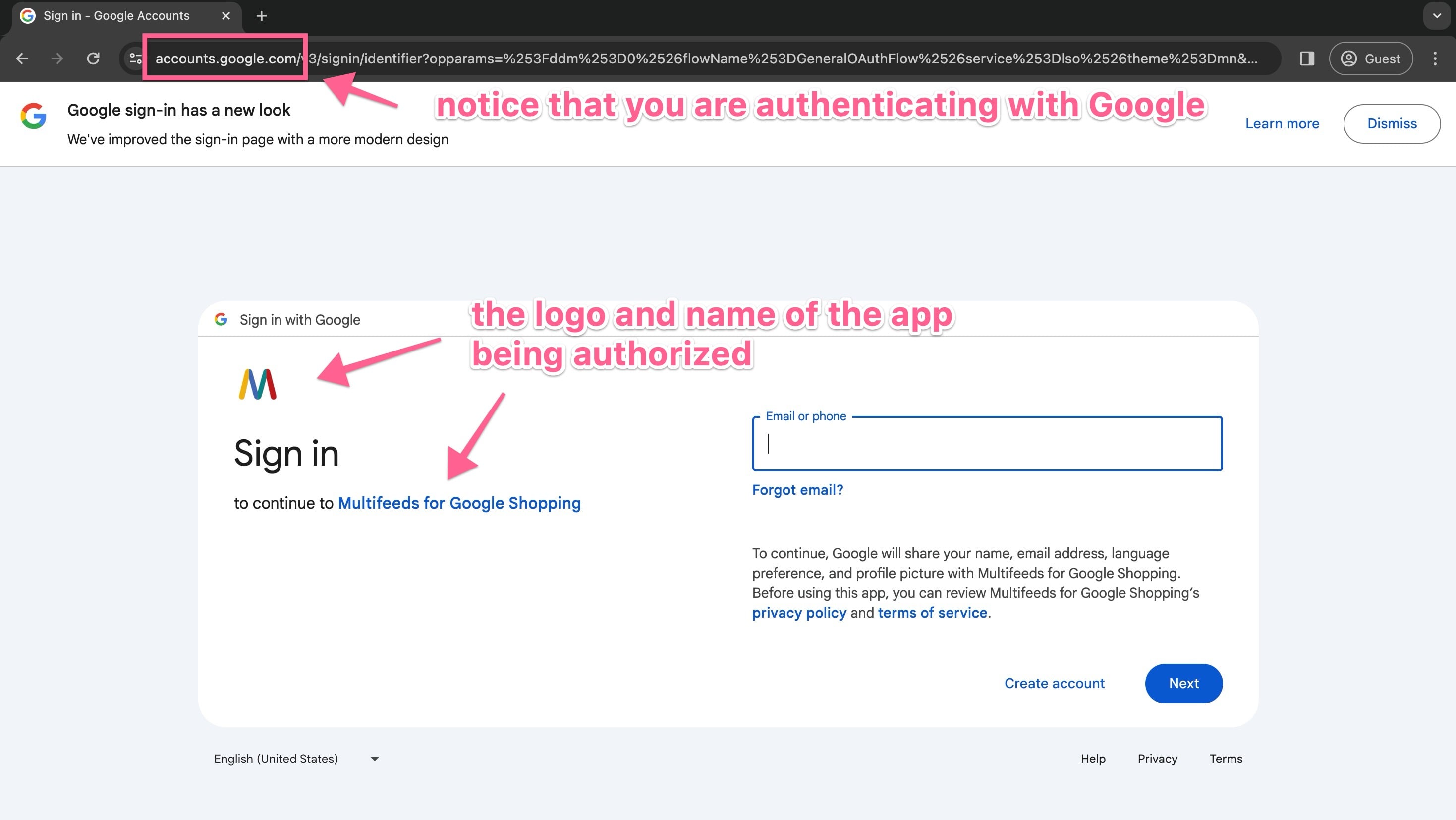
It's important to notice the URL of the window showing that you are authenticating with Google (so you can safely provide the credentials). Never enter your Google credentials if it's not a Google URL.
You might see a screen asking for sharing basic account data to the app. These are standard information that help the app identify the connected account and display the relevant information in the app.
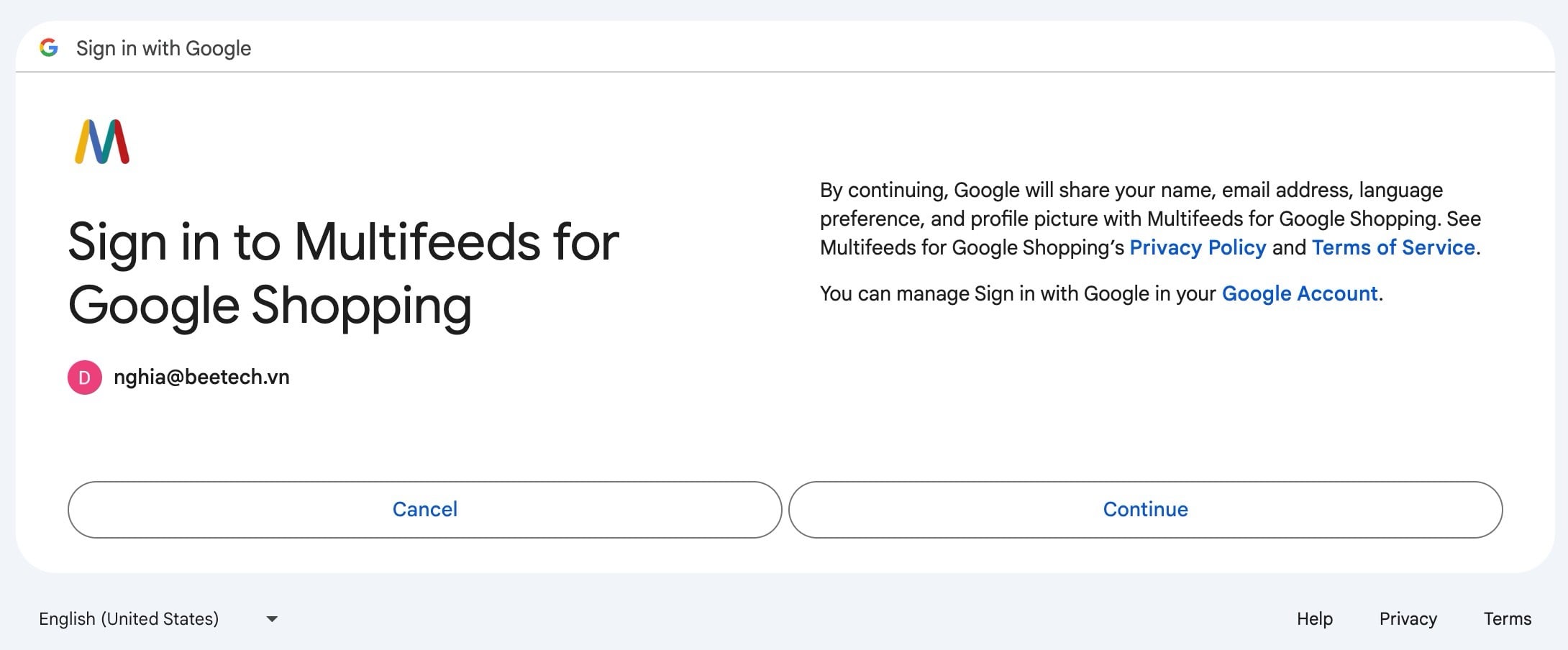
Approval of the consent screen means the account owner agree to allow the app to access the resources listed. Depending on the place inside the app where you have the account connected, the resources are one of the following:
Manage your product listings and accounts for Google Shopping
You allow the app to manage the product feeds in GMC, including adding/refreshing file feeds and adding/updating items via Content API.
Manage the list of sites and domains you control
You allow the app to view and manage the list of sites and domains you control. The GMC account being used must be connected to the store's domain. This access is needed so the app could make sure that the submitted product links are inline with the verified domain in the corresponding merchant account.
You allow the app to view and manage the owners of domains you control. GMC requires that the connected domain be owned by you (verified owner). To do so the domain must go through the verification process. This access is requested if you want the app to handle the verification process by adding a verification code to the store's home page.
See, edit, create, and delete your Google Ads accounts and data
This is granted from the Ads tab of the app. This is required if you want the app to add Google Ads tags, including conversion tags and re-marketing tags to the store.
The tags are being added by Shopify scrip tags, which do not work with the new Shopify checkout.
This is a legacy feature and being phased out soon. It only receives critical updates.
The error
Depending on the context, you could see an error message like this
Cannot access merchant account xxxxxxxxx
or just
invalid_grant
In case it's about managing product file feeds, it's important to note that file feeds are still renewed at their URLs, so if the feeds had been added in GMC before this error, updated product data are still being pulled into GMC by Google. This is because all Google needs is just the URL from which it would pull data everyday.
File feeds are pulled by Google. Therefore once added to GMC, they still work even without the access.
However, API feeds rely entirely on the access. Without access, the app cannot update the items in GMC.
API feeds stop working if the access is revoked.
How can granted access be lost
Many users have this error when they accidentally revoke the access from the app after connecting google accounts to the app. For example after connection, as a protective measure Google would send an email like below, and if you click on "No, secure account" then the granted access would be revoked.
The access could also be lost if the connected account itself has had the access revoked.
To confirm that the access is indeed revoked, you can log into https://accounts.google.com/ to see if the app is still in the granted list.
The video demonstrate how to check for granted access in Google Account: